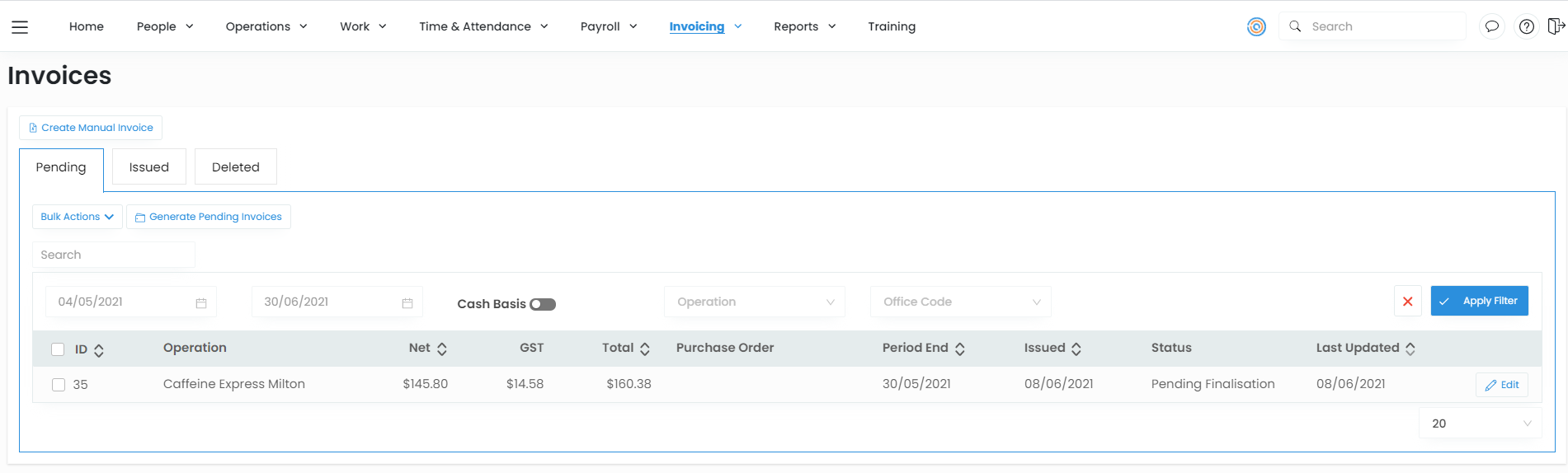
Create a manual invoice
There will be times you will need to create a manual invoice such as:
- If you missed a payment from a past previously invoiced period.
- When you make an adjustment in Pay, these do not automatically flow to invoicing and need to be manually added.
- When you need a second invoice for the same period ending.
- If you have deleted an invoice.
Create a manual invoice
To create a manual invoice:
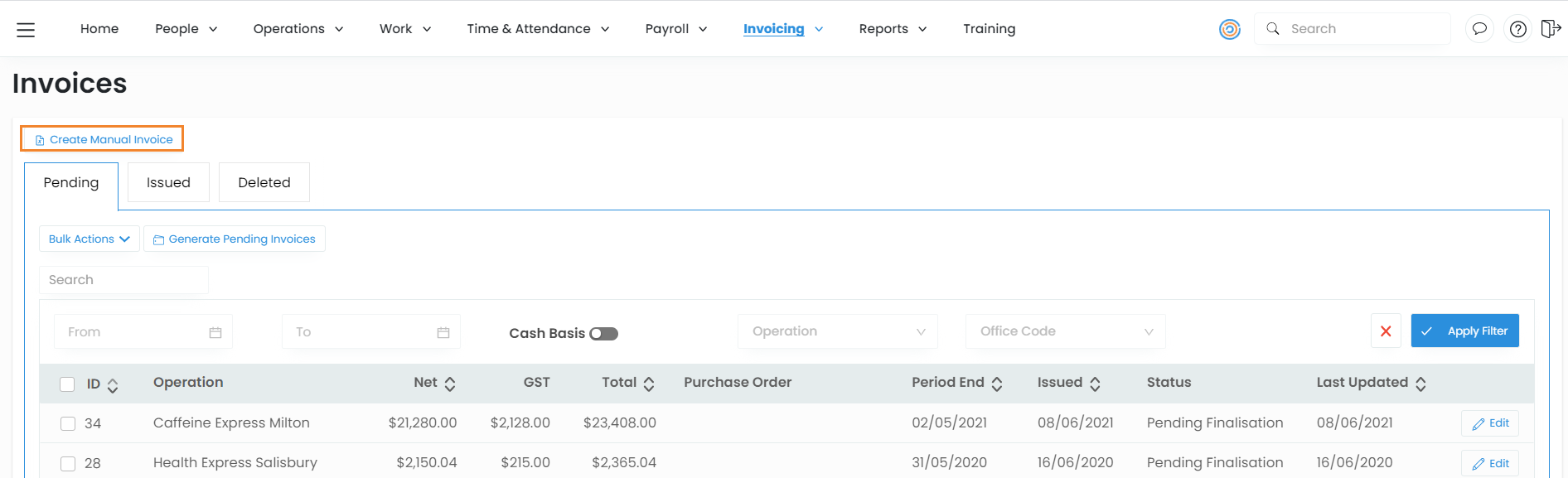
- In the quick menu navigate to Invoicing > Invoices from the drop down menu. And select the Create Manual Invoice button.
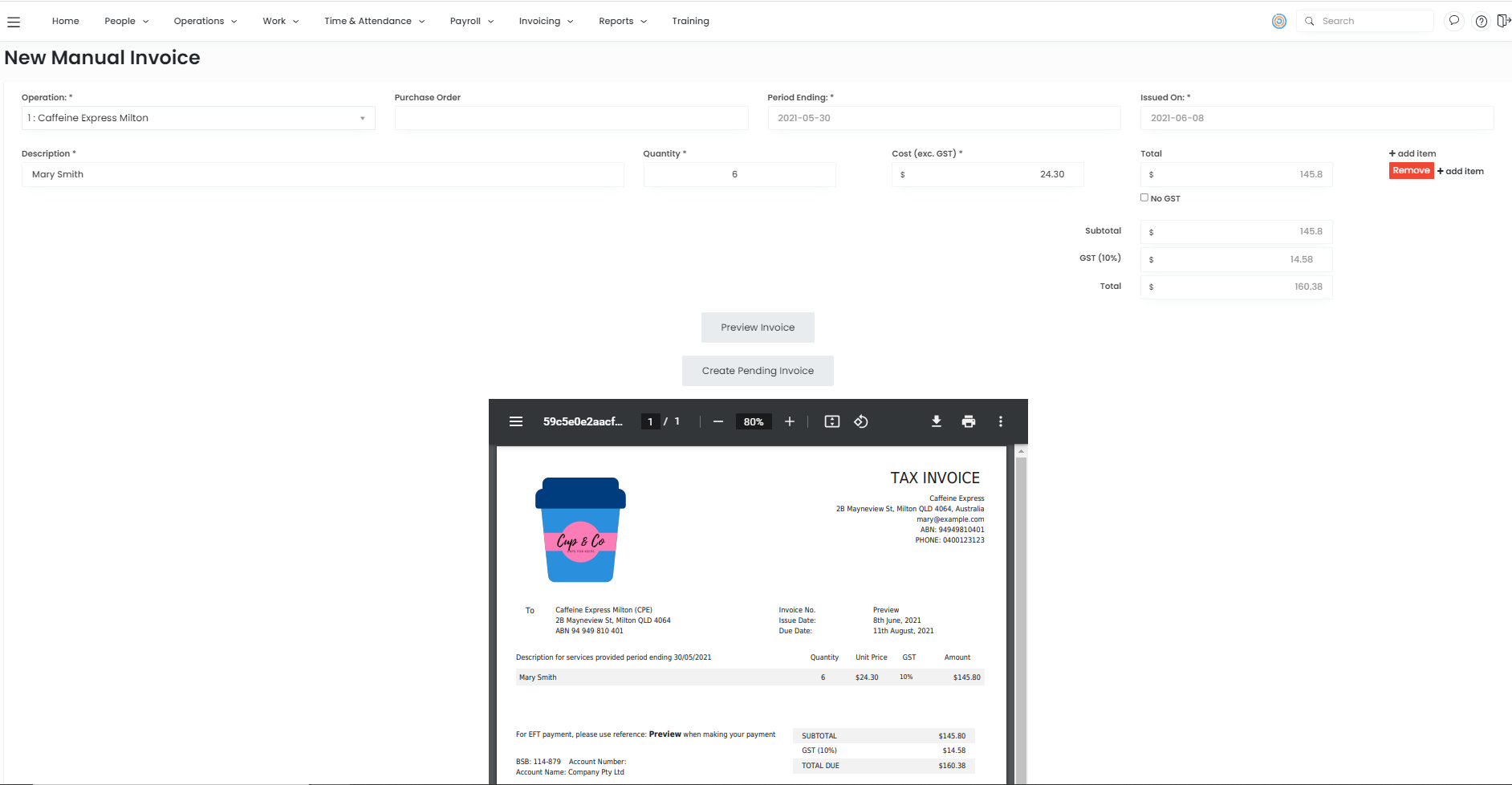
- Enter in the manual invoice details.
- Choose an Operation (Client) from the dropdown list.
- Purchase Order Number
- Period Ending date
- Issue Date
- Enter an item description, quantity and cost.
- Click + Add Item to add items to the invoice.
- Click Preview Invoice then click Save Invoice.
- This invoice will now appear in Pending invoices.